Memory Save dialog box
In this section:
What do you want to do?
Learn about:
Get related information:
Get reference information about the Memory Save dialog box, see below the line.

The Memory Save dialog box is available by choosing Debug>Memory>Save or from the context menu in the Memory window.
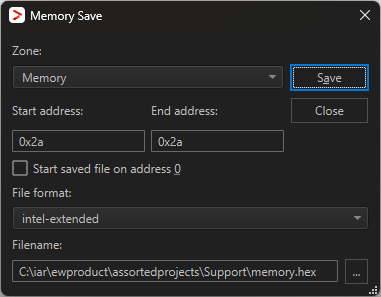
Use this dialog box to save the contents of a specified memory area to a file.