Trace Start breakpoints dialog box (I-jet and CMSIS-DAP)
In this section:
The Trace Start dialog box is available from the context menu that appears when you right-click in the Breakpoints window. You can also right-click in the editor window or the Disassembly window, and then choose Toggle Breakpoint (Trace Start).
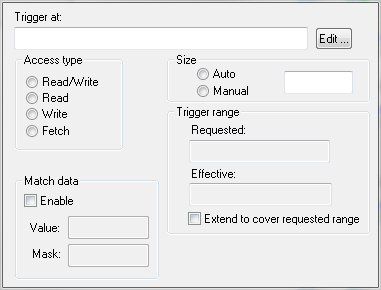
Use this dialog box to set the conditions that determine when to start collecting trace data. When the trace condition is triggered, the trace data collection is started.