CMSIS Manager dialog box
In this section:
The CMSIS Manager dialog box is available by choosing Project>CMSIS-Manager or by clicking the toolbar button CMSIS-Manager.
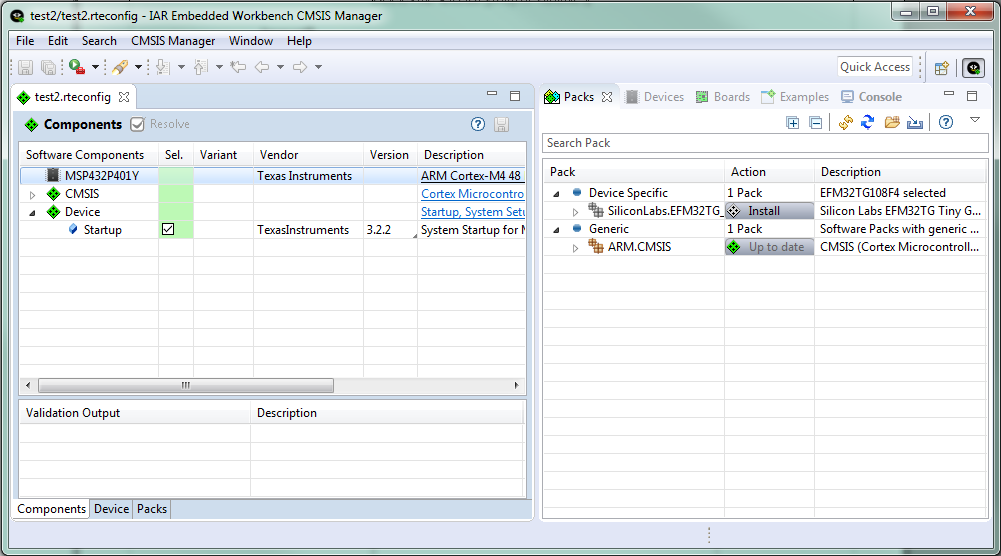
Use this dialog box to manage CMSIS software packs and example projects.
For more information, see:
Working with example projects, specifically the procedure To use a CMSIS-Pack example project
For information about the views, buttons, and menu commands available in this dialog box, press F1 or click the question mark icon to display the online help. The online help system is context-sensitive, which means that depending on which view is in focus, different help topics are displayed.