Editor Syntax Feedback options
In this section:
What do you want to do?
Learn about the editor, see Introduction to the IAR Embedded Workbench editor
Learn about Editor Syntax Feedback, see Editor window
Get reference information about configuring Editor Syntax Feedback, see below the line.

The Editor Syntax Feedback options are available by choosing Tools>Options.
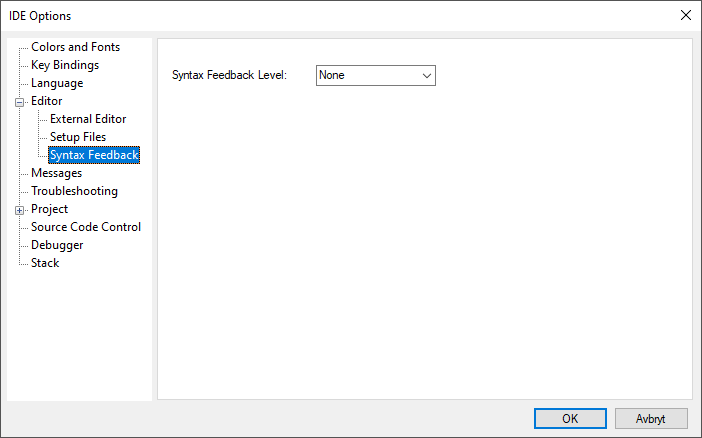
Use this page to specify how much syntax feedback you want in the editor, in the form of squiggly lines and tooltips.
For more information, see under Editor window.