External Analyzers options
In this section:
What do you want to do?
Learn about external analyzers in the IDE, see An extensible and modular environment
Learn how to: Getting started using external analyzers
Get reference information about the External Analyzers tool options, see below the line.

The External Analyzers options are available by choosing Tools>Options.
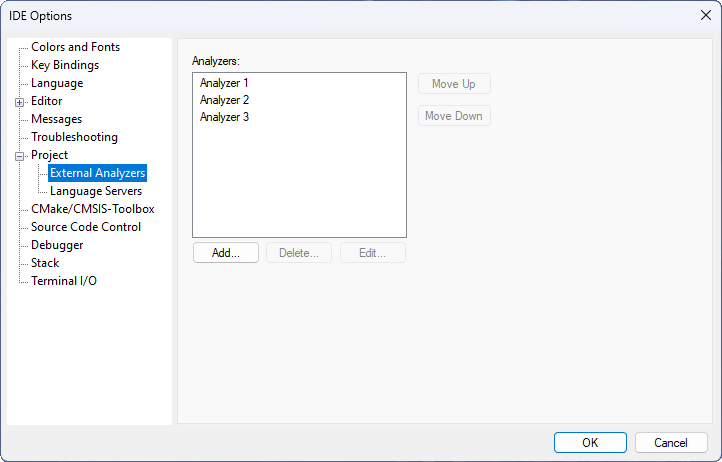
Use this page to add an external analyzer to the standard build toolchain. External analyzers operate on C/C++ source code in the user project. Header files or assembler source code files are not analyzed.
For more information, see Getting started using external analyzers.