The E1, E2, E2 Lite/On-Board, E20, EZ-CUBE, EZ-CUBE2, TK, and COM Port emulators
The C-SPY hardware debugger driver uses USB to communicate with the hardware debugger. The hardware debugger communicates with the JTAG interface on the microcontroller.
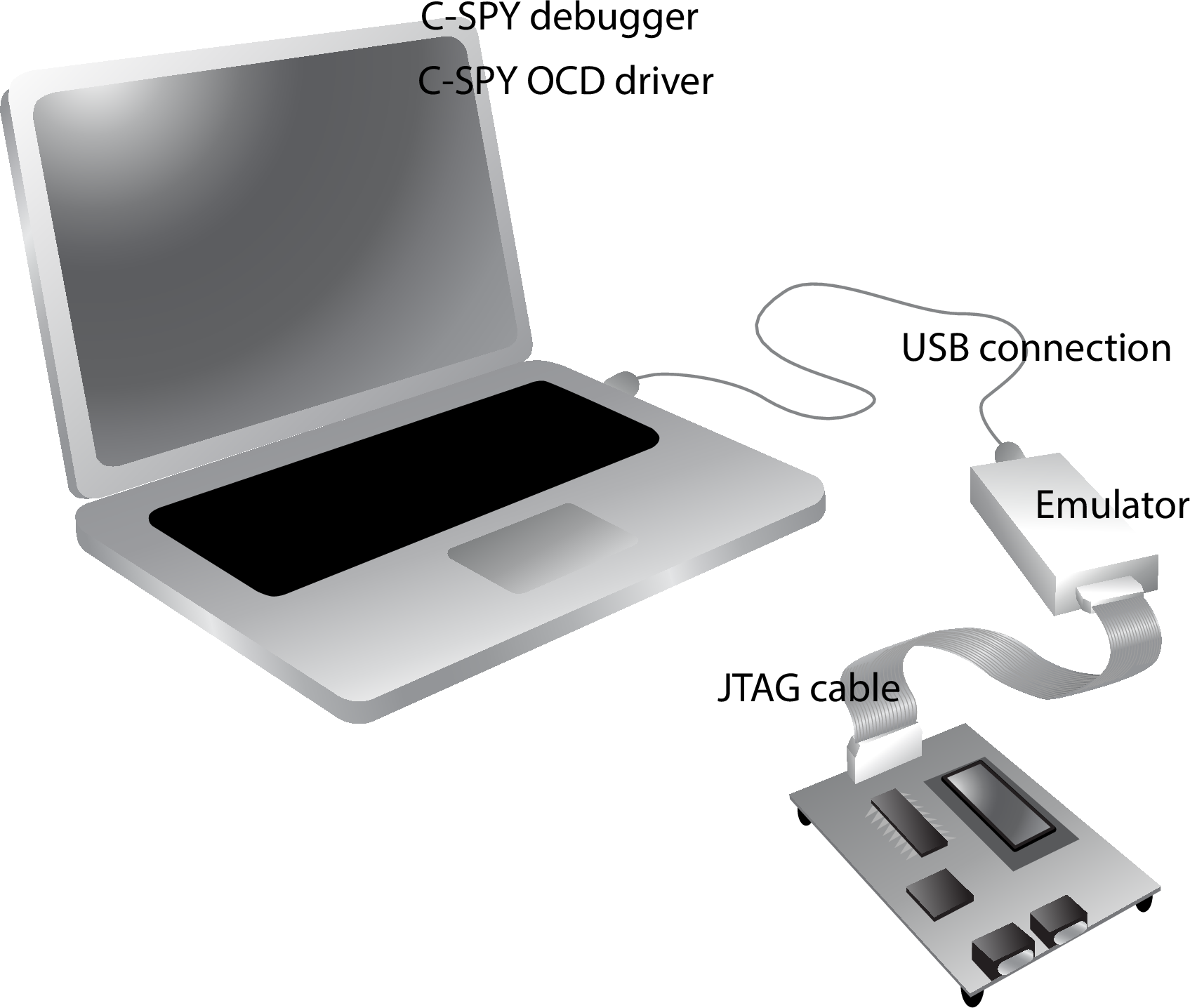
For further information, refer to the documentation supplied with the hardware debugger.
When a debugging session is started, your application is automatically downloaded and programmed into flash memory. You can disable this feature, if necessary.
Hardware installation
For information about the hardware installation, see the documentation supplied with the hardware debugger from Renesas. A Renesas USB driver that is needed for communicating with the emulator is optionally installed during the IAR Embedded Workbench installation.The following power-up sequence is recommended to ensure proper communication between the target board, hardware debugger, and C-SPY:
Connect the emulator to the host computer.
Start the C-SPY debugging session.
COM Port emulator
The RL78 COM Port driver enables hardware debugging by connecting to the target board from a USB port of the host machine via a USB-to-serial conversion adapter instead of an emulator, such as E2. The adapter is recognized as the COM port of the host machine when communicating with the target device using the serial port.