Generating an analysis report
Perform your analysis, see Getting started analyzing using C-STAT.
To generate your report:
In the IDE, choose Project>C-STAT Static Analysis and choose either Generate HTML Summary or Generate Full HTML Report depending on which type of report you want to produce.
The report will be based on the latest performed analysis. If you have modified your source code files after the latest analysis, you might want to update the analysis before you generate the report.
On the command line, specify your
ireportoptions, for example like this:ireport --db cstat.db --project project1 --output tutor_report.html
This will generate a summary report named
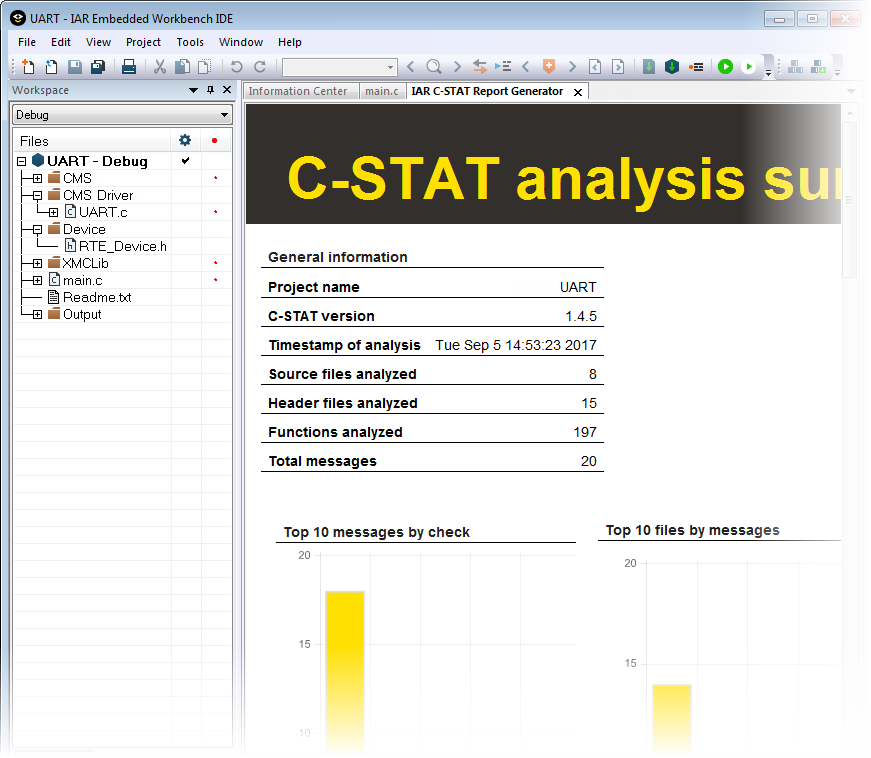
tutor_report.htmlfrom the databasecstat.dbwithproject1as an identifying name for the project. The report can be viewed in a web browser or in the IAR Embedded Workbench IDE.
This is an example of a summary report: