C-STAT Messages window
The C-STAT Messages window is automatically displayed when you perform a C-STAT analysis.
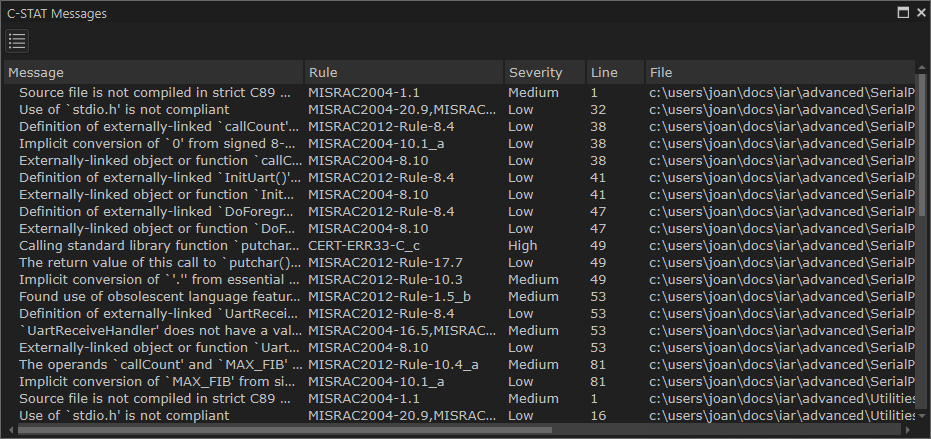
This window displays the result of a performed C-STAT static analysis.
See also Getting started analyzing using C-STAT.
Display area
The display area shows messages per file and linkage. The messages can be expanded and collapsed. For each file, the number of messages and the number of C-STAT pragma messages are displayed
- Message
Lists the C-STAT message for the check. For some checks, there is trace information for an execution path that was used when identifying the non-conformant code construct.
- Rule
The name of the check.
- Severity
The severity of the check, High, Medium, or Low.
- File
The name of the file where the non-conformant code construct is found.
- Line
The line number of the non-conformant code construct.
Context menu
This context menu is available:
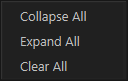
These commands are available:
- Collapse All
Collapses all file nodes in the C-STAT Messages window.
- Expand All
Expands all file nodes in the C-STAT Messages window.
- Save to File
Saves the result of a performed analysis to a text file.