E1/E2/E20 emulator
The C-SPY Hardware debugger driver uses USB to communicate with the E1/E2/E20 emulator.
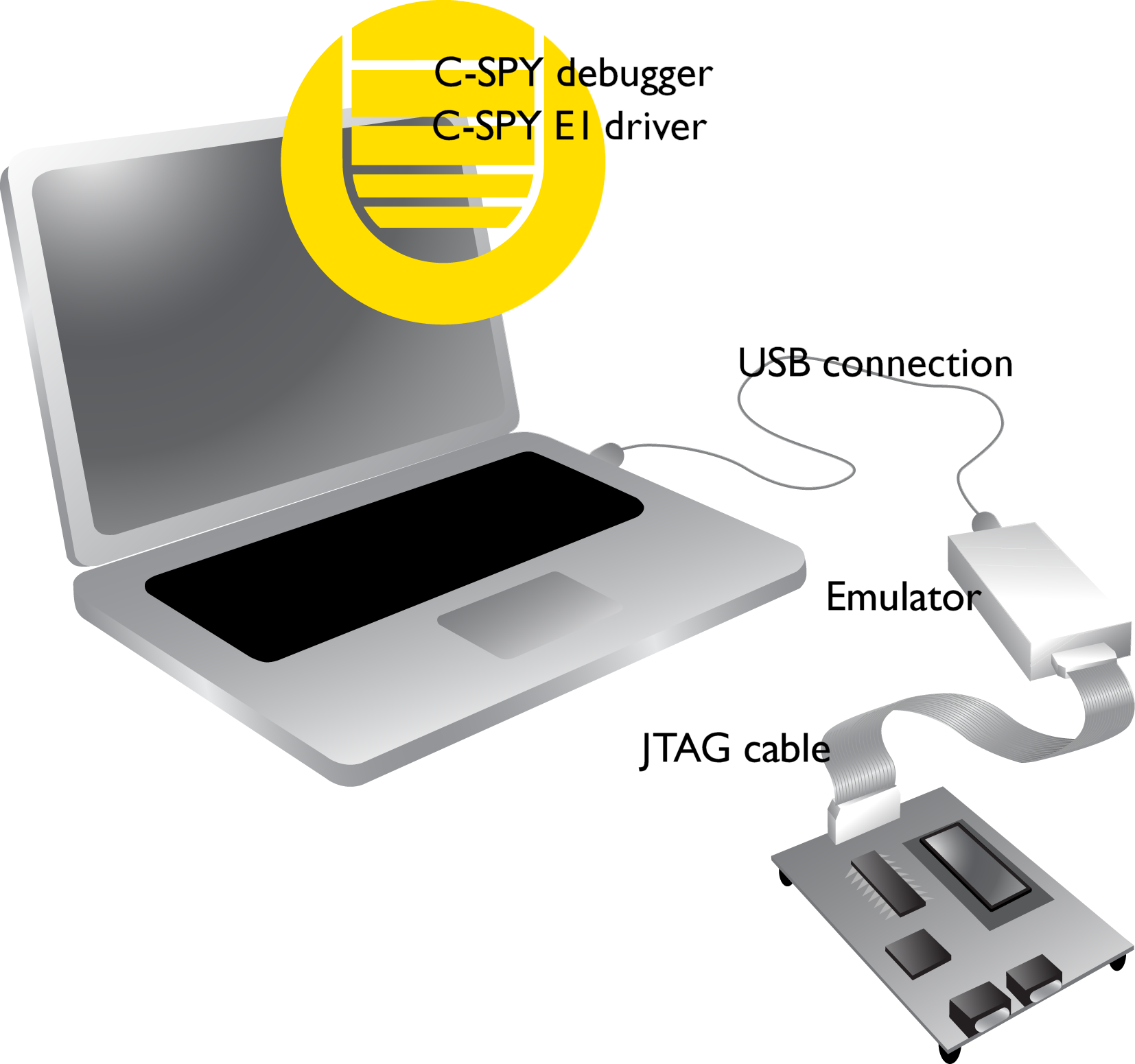
When USB connection is used, a specific USB driver must be installed before you can use the probe over the USB port. You can find the USB driver on the IAR Embedded Workbench installation media.
For further information, refer to the documentation supplied with the hardware debugger.
When a debugging session is started, your application is automatically downloaded and programmed into flash memory. You can disable this feature, if necessary.
Hardware installation
For information about the hardware installation, see the documentation supplied with the hardware debugger from Renesas.
Note
By default, C-SPY switches to LPD 4-pin mode automatically when the debug session is started. For information about controlling the LPD connection and the communication speed and clock frequency, see Setup.