Creating and managing a workspace and its projects
This is a description of the overall procedure for creating the workspace, projects, groups, files, and build configurations. For a detailed step-by-step example, see Creating an application project in the tutorials.
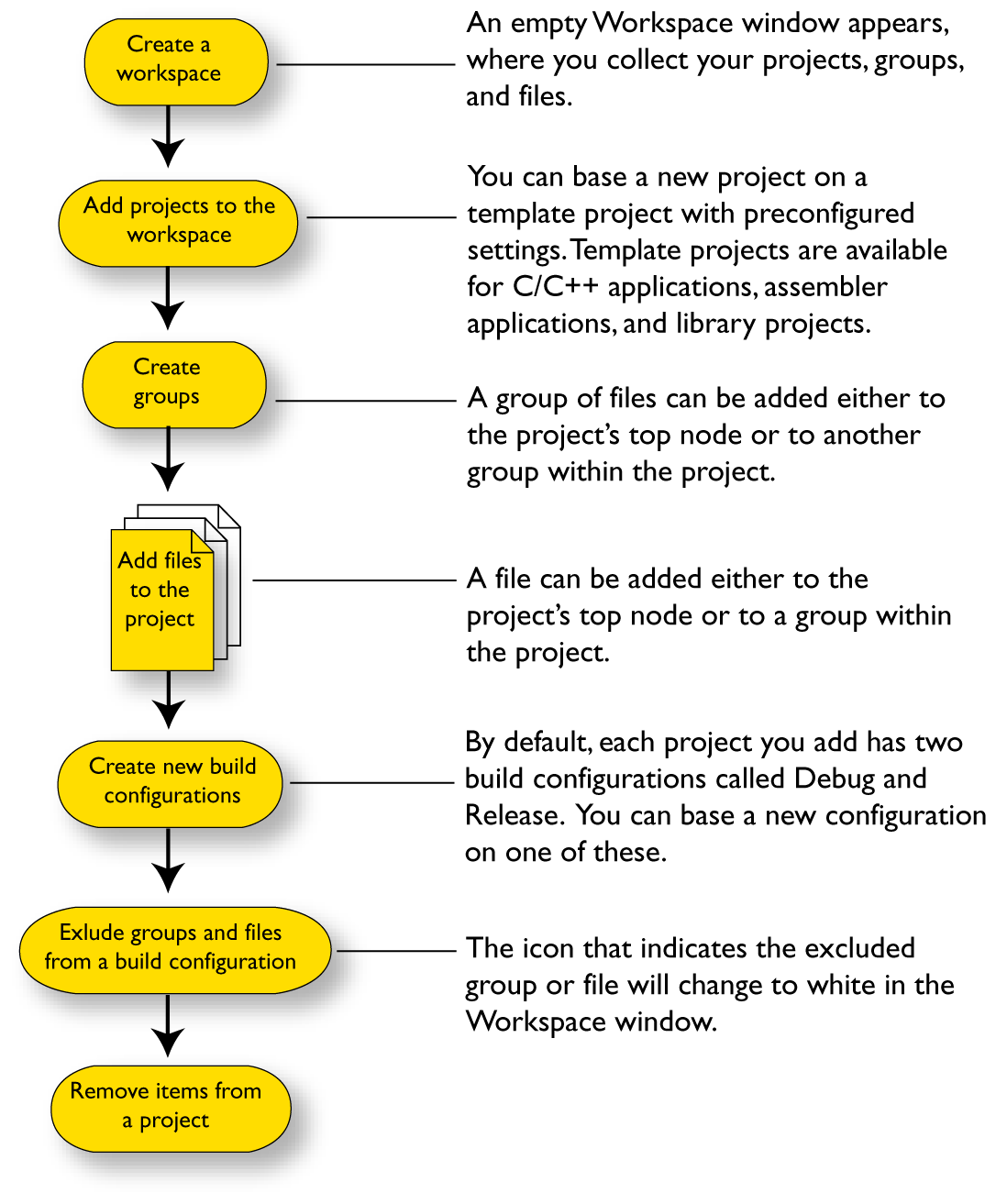
The steps involved for creating and managing a workspace and its contents are:
Note
You do not have to use the same toolchain for the new build configuration as for other build configurations in the same project, and it might not be necessary for you to perform all of these steps and not in this order.
The File menu provides commands for creating workspaces. The Project menu provides commands for creating projects, adding files to a project, creating groups, specifying project options, and running the IAR development tools on the current projects.