Resolving problems
This section includes suggestions for resolving the most common problems that can occur when provisioning a device using the IAR Secure Deploy – Prototyping application.
If you experience problems that you fail to resolve, contact Technical Support. You might be asked to use the diagnostics functions in the software to create log files to send to the support engineers. For more information about creating log files, see Options : Logs and Diagnostics.
I cannot connect to the Security Appliance
Ensure that the Security Appliance is connected and powered on. If it already is connected and powered on, disconnect it and reconnect.
If it still does not work, you might have mismatched versions of the IAR Secure Deploy – Prototyping software and the Security Appliance firmware. The most recent firmware version is available on your My Pages at iar.com. To install it, see the information under Options : Security Appliance.
The Programmer status is “Error”
This error is typically caused by an invalid configuration or SPE failure. Follow the instructions under The SPE Status is “Disconnected”.
The SD-P version differs from the firmware version
This warning or a similar one is displayed:

You have mismatched versions of the IAR Secure Deploy – Prototyping software and the Security Appliance firmware. You need to reinstall an update, available on your My Pages at iar.com or by contacting your sales contact at IAR Systems:
If the Security Appliance firmware is older than the IAR Secure Deploy – Prototyping software, you need to update the firmware. To install it, see the information under Options : Security Appliance.
If the IAR Secure Deploy – Prototyping software is older than the Security Appliance firmware, you need to update the IAR Secure Deploy – Prototyping software. To install it, see the information under Installing the product.
The SPE Status is “Disconnected”
If the Secure Provisioning Engine (SPE) status is “Disconnected”, the SPE service has either stopped or failed to start. Open the Windows Task Manager and find the service SecureProvisioningEngine:
If the service is stopped, right-click on it and choose Start
If the service is running, right-click on it and choose Restart
When the service is running again, restart the IAR Secure Deploy – Prototyping application and try again.
One or more programming heads show “Error”
A device failure can cause the programming head status to show “Error”. Remove the device from the programming head, detach and reattach the programming head from your system, and connect another device. The head should now return to a “Ready for Programming” status.
If this does not solve the problem, you must stop production and restart the IAR Secure Deploy – Prototyping application.
Mixed probes error
This alert or a similar one is displayed:
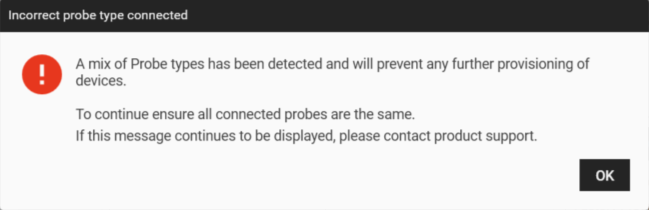
You cannot mix I-jet, Renesas E2, and Renesas E2 Lite hardware programmers.
You must disconnect the mismatched programmers and restart the IAR Secure Deploy – Prototyping system with programmers of only one type connected.
“Incorrect probe type connected”
A warning for the disabled Start Production button under the Production Summary mentions “Incorrect probe type connected for selected package type”:
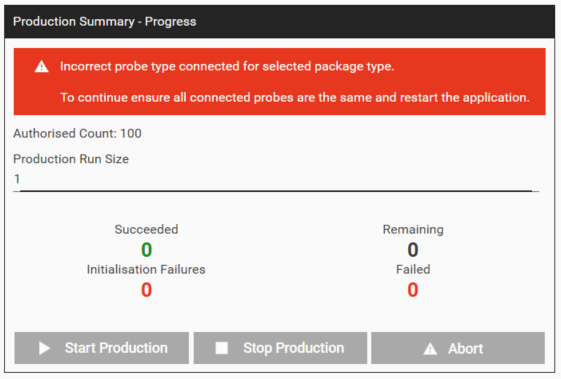
If the production package was generated for a different probe than the ones that are connected, you cannot start programming.
You must insert a probe of the correct type and restart the IAR Secure Deploy – Prototyping application.
“Missing product”
The list of products lists one or more Missing Products:
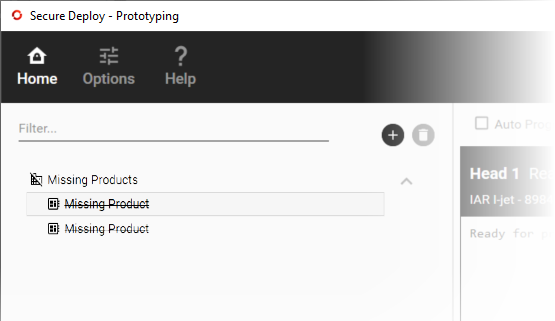
There are products in the local package store for the Secure Provisioning Engine (SPE) that are missing from the Security Appliance. Select them and delete them from the list.
“Error 1” during programming
This alert or a similar one is displayed:
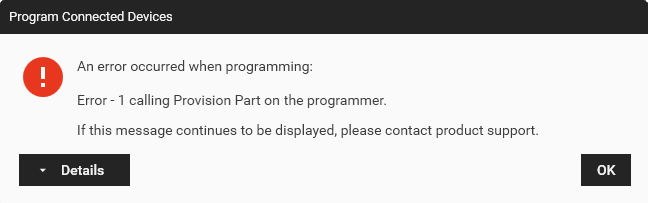
This means that provisioning has failed. A possible explanation is that you have used a mismatched combination of hardware programmer and product package, for example a product package developed for being provisioned using I-jet and a Renesas E2 emulator Lite hardware programmer.
A secure key is not present
This warning or a similar one is displayed:
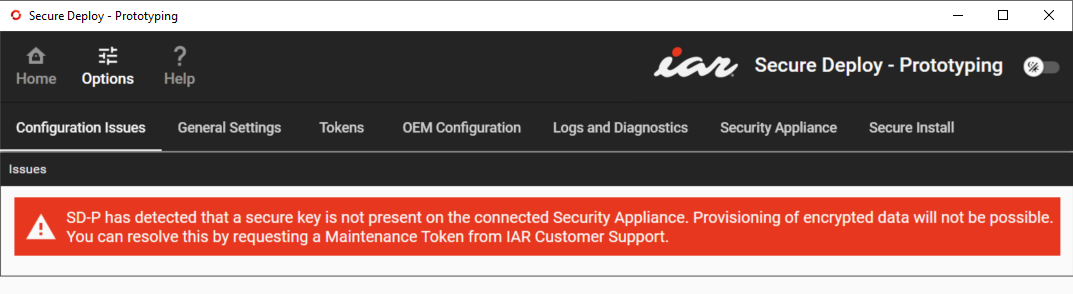
A secure key could not be found on the connected Security Appliance and provisioning encrypted data is not possible. To resolve this, you need to contact IAR Systems Technical Support, see the section “Maintenance Tokens” under Options : Tokens.
The Security Appliance is in “maintenance mode”
This alert or a similar one is displayed:
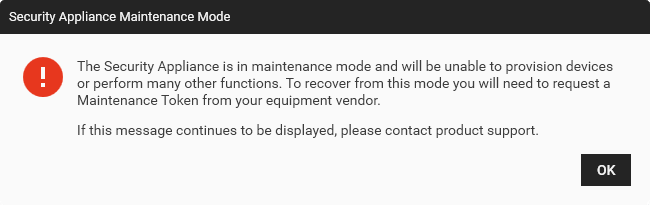
Something has forced the Security Appliance into maintenance mode. In this mode, all secure keys will have been erased from the Security Appliance, and it cannot provision devices. To recover the appliance, you need to contact IAR Systems Technical Support, see the section “Maintenance Tokens” under Options : Tokens.